
| ToC ~ Prev ~ Next |
TimeGen Professional User's Guide |
| - Select Icon |
You can use the select icon and then double click on the signal name.
You can also use the right mouse button and then choose EDIT ATTRIBUTES to bring up a new dialog box:
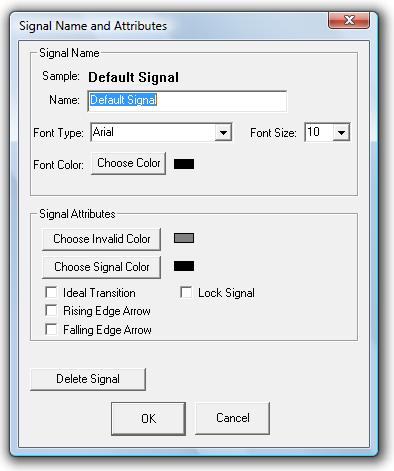
Type in the new signal name and press OK.
If you want to have multiple signal names, separate them with a new line character. For example, "Control Signal\nRead not write"
| ToC ~ Prev ~ Next |
TimeGen Professional User's Guide Copyright © 2003 - by XFusion Software LLC |